How to get a lease signed online
You've found tenants, and now everyone on the lease has to sign it. Some are out of town, one only uses their phone, and you'd rather not meet three times.
You can send the lease to all of them at once, have each sign from their phone, and sign it yourself last.
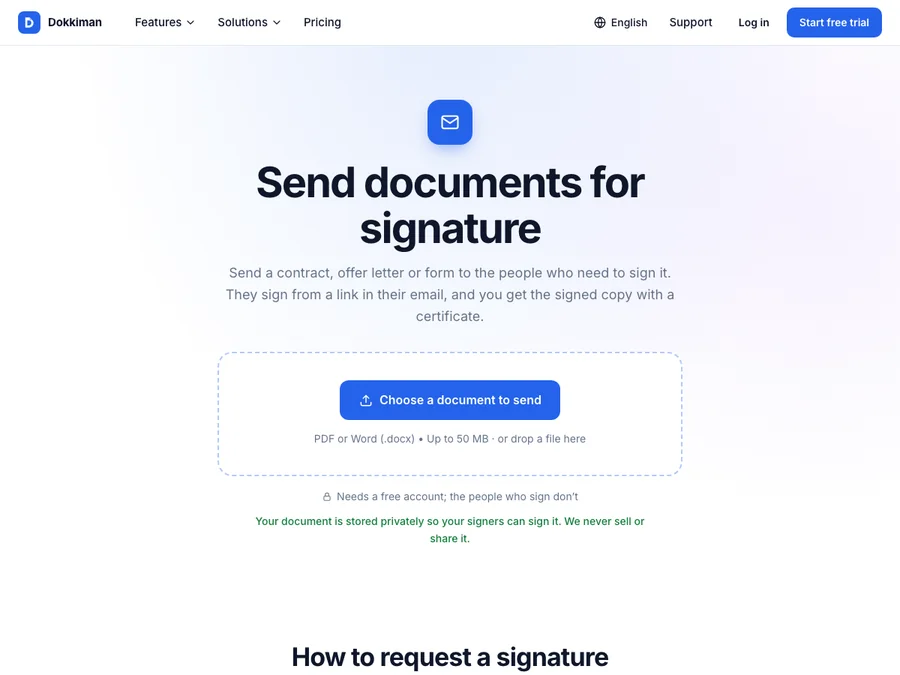
Choose a document to sendSending the lease
- Open Request Signatures on Dokkiman and choose your lease, as a PDF or Word file.
- Add each tenant as a signer, with their name and email. Add yourself as the last signer if you sign after them.
- Place each person's signature, initials and date where your lease asks for them. Initials on every page is common for leases; you can add an initials field to each page.
- If you want something filled in, like a phone number or a box confirming they've read the pet policy, add a text box or checkbox and mark it required.
- Choose to have people sign one after another, so you only sign once the tenants have.
- Send it. Each tenant gets their own link and signs on any phone or computer, without an account.
What you end up with
Once everyone has signed, you all receive the signed lease as a PDF, plus a certificate showing who signed, when and from where. It's also kept in your Document Manager, so you can find it at renewal time.
Is an e-signed lease valid?
In the US, the ESIGN Act and state laws generally treat an electronic signature on a lease like a handwritten one. Some places have extra rules for particular disclosures, so if you're unsure about yours, a local attorney or landlord association can confirm.
Common questions
- Do my tenants need an account?
- No. They sign from the link in their email.
- Can I see who has signed?
- Yes. You can see who has opened and signed it, and send reminders.
- What does it cost?
- The Free plan includes 2 requests a month. For more, there are paid plans.